You can change the way Roksbox looks by choosing from various themes. There are currently only a few themes available, but there will be more added over time.
To select a theme, go to Options -> My Options -> Themes from the Roksbox main menu. Here you can select one of the available themes. Use the up and down arrow keys to highlight the theme you want, then press the Back button to select the theme. For the theme to take effect, you must either log off (select Logoff from the main menu), or exit and re-start Roksbox.
Current Themes
Auto
If you select Auto, the theme will be randomly selected each time you use Roksbox.
CD Notes

Camera and Film Strip

Clapboard and Film Reel

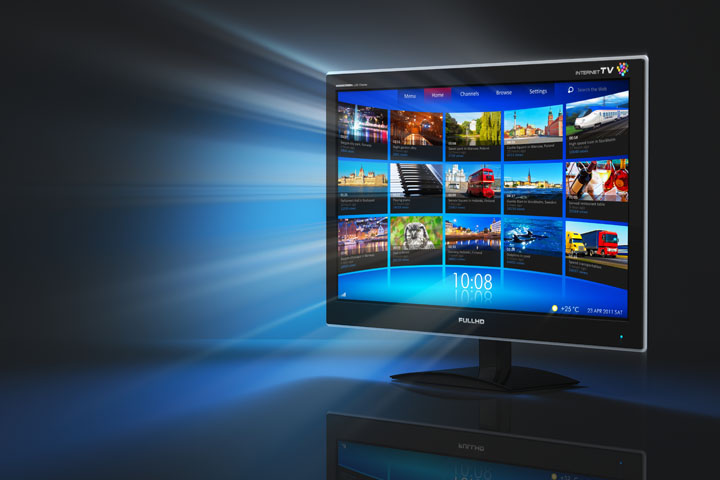
HD TV
Headphone

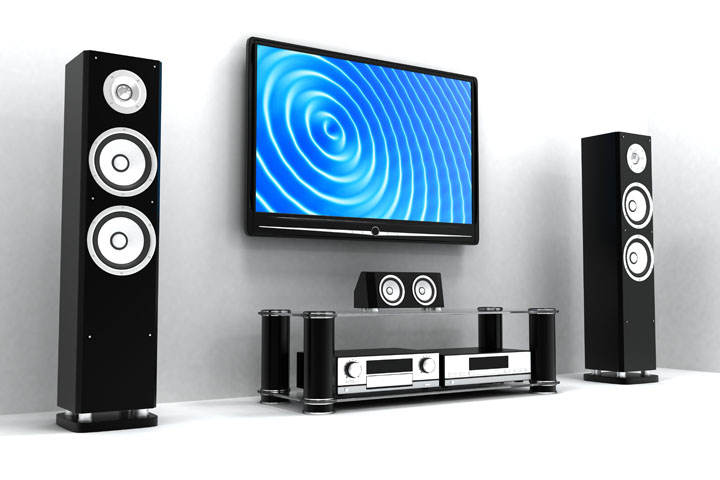
Home Theater